
Before❌
Passive familiarity
You reread notes, feel familiar with the page, and still struggle to retrieve the answer under pressure.
The ResultFamiliar pages but weak recall when you need the answer.
Feature / Flashcards
Sowvia flashcards turn notes, slides, and diagrams into recall practice, so revision starts faster and weak topics come back sooner.
Feature Overview
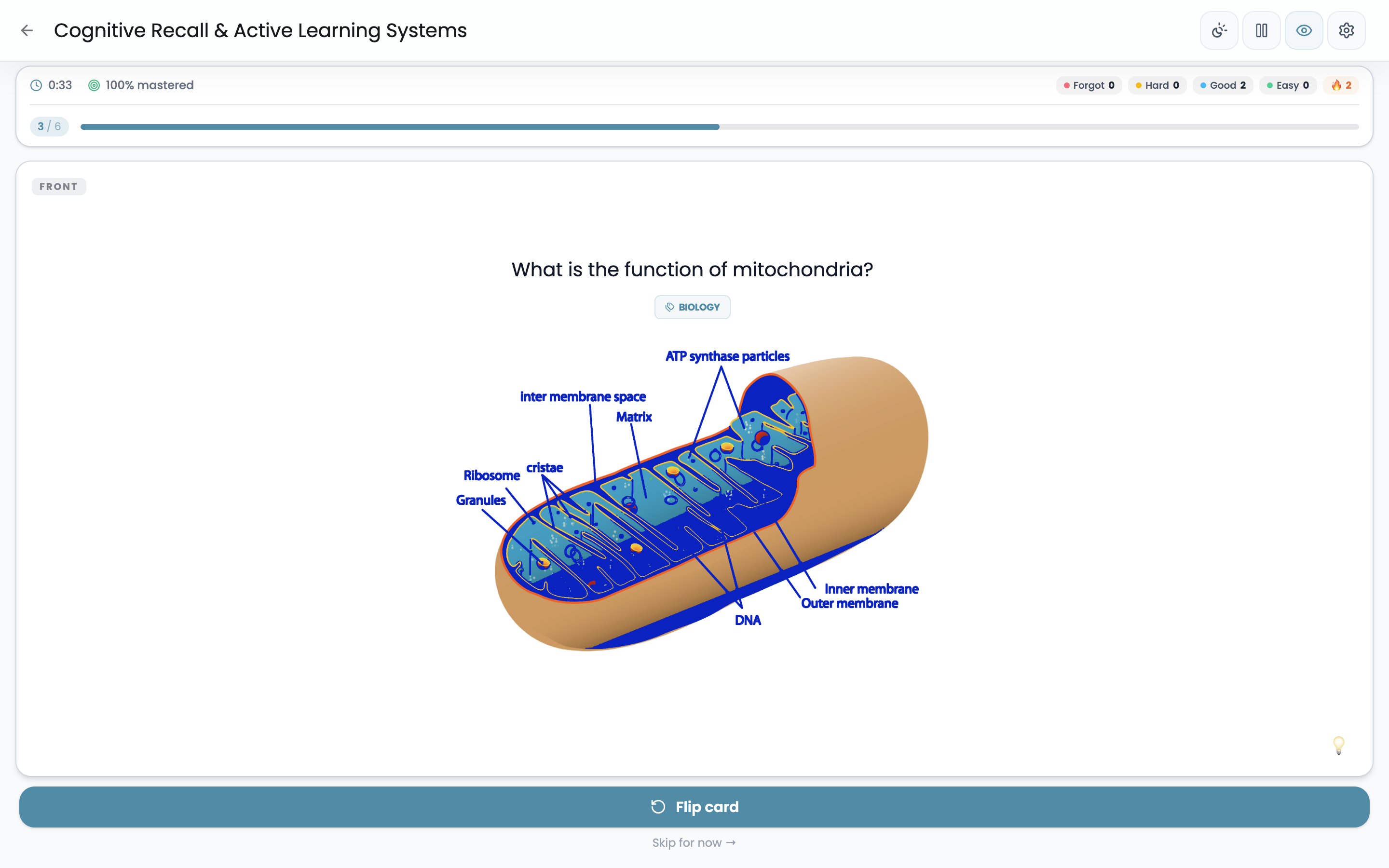
Build decks from notes, files, and imported material so each review session stays connected to the exact source you are trying to remember.
Rereading can feel productive without proving you can retrieve the answer later. Flashcards become more useful when they stay close to your real material and are easy to review often.
You reread notes, feel familiar with the page, and still struggle to retrieve the answer under pressure.
You review cards built from your own material, with spaced repetition and weak-card signals pushing the hardest facts back into focus.
How It Works
Build decks from your material, review with clearer signals, and refine from the results.
Start with notes, uploaded files, or imported decks.
Generate cards faster, then shape the deck for the session goal.
Run spaced or manual review so recall gets tested instead of assumed.
Use weak-card and accuracy patterns to see what still needs work.
Bring difficult cards back sooner and adjust the next pass from what surfaced.
Why It Works
The value is not just having cards. It is having decks that make recall easier to run, repeat, and refine.
Answering from memory is more demanding, and more useful, than recognising something you just reread.
Harder cards come back sooner, so effort stays focused on what is easiest to forget.
Well-shaped decks make it easier to review one topic, module, or exam block without losing the thread.
Links back to notes and files make it easier to revisit context instead of memorising fragments.
Create decks from real notes, review with SM-2 or FSRS, and bring weak cards back sooner.